Introduction to lla

lla is a modern, fast file explorer built in Rust that enhances the traditional ls command with multiple views, Git integration, content search, and an extensible plugin platform.

Welcome to lla

lla is a modern, customizable, feature-rich, and extensible ls replacement. It combines familiar directory listings with multiple views, Git-aware output, filtering and content search, interactive navigation, machine-readable formats, themes, shortcuts, and an extensible plugin platform.

Built with Rust for exceptional performance and reliability, lla transforms how you interact with your filesystem through intelligent views, powerful plugins, and seamless Git integration.

Why lla?

The traditional ls command has served us well for decades, but modern workflows demand more. Whether you are navigating large codebases, managing cloud infrastructure, or organizing complex project hierarchies, lla provides the tools you need without sacrificing speed or simplicity.

  • Zero Configuration Required: Works beautifully out of the box with sensible defaults
  • Blazing Fast: Written in Rust, optimized for directories with thousands of files
  • Git-Aware: Native Git integration shows repository status at a glance
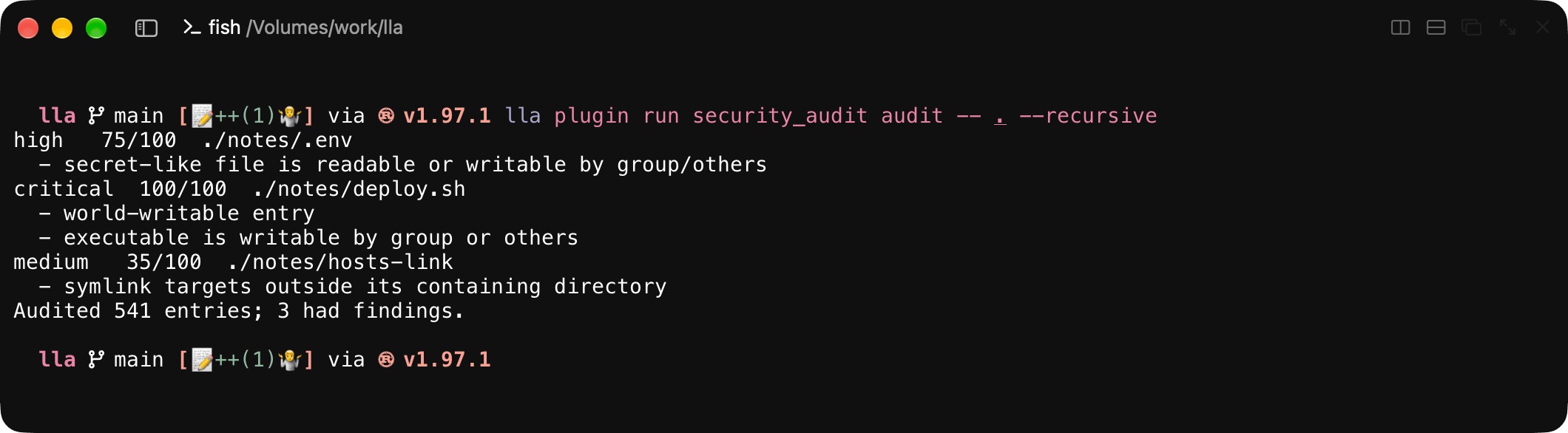
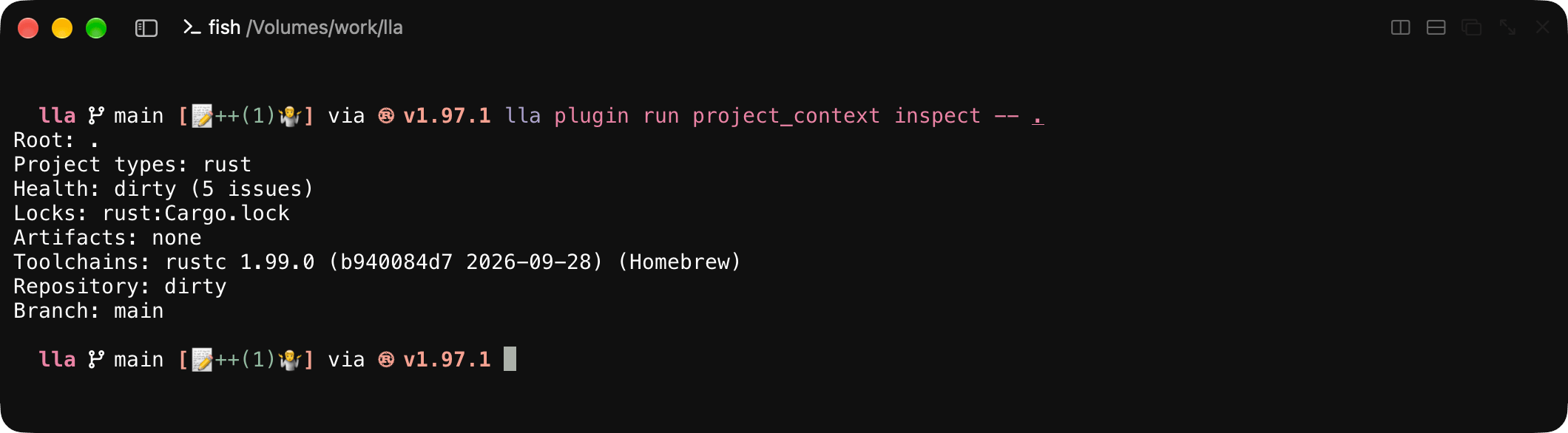
  • Extensible: A robust plugin system with 37 bundled plugins lets you add exactly the features you need
  • Beautiful Output: Carefully designed themes and formatting that respect your terminal
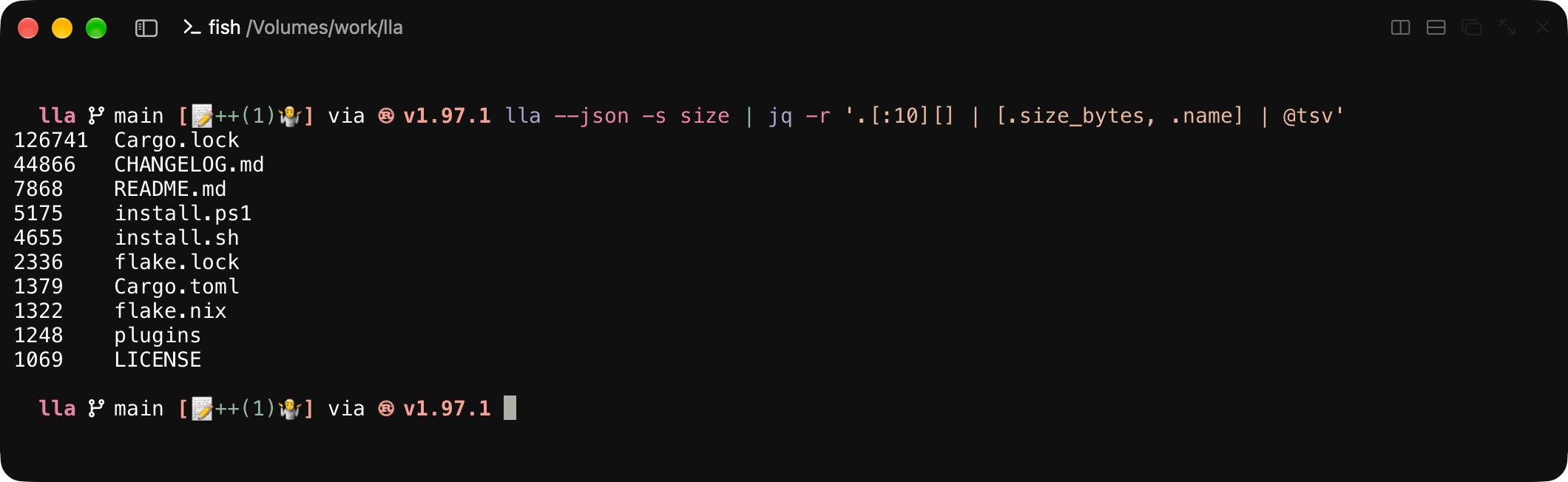
  • Automation-Friendly: Stable JSON, NDJSON, and CSV output for scripts and pipelines

Who is lla for?

  • Developers navigating large codebases and managing multiple projects
  • System Administrators monitoring file systems and organizing server directories
  • DevOps Engineers automating workflows with machine-readable output
  • Power Users who want more from their command line tools
  • Anyone who spends significant time in the terminal

Try it

lla                     # default view
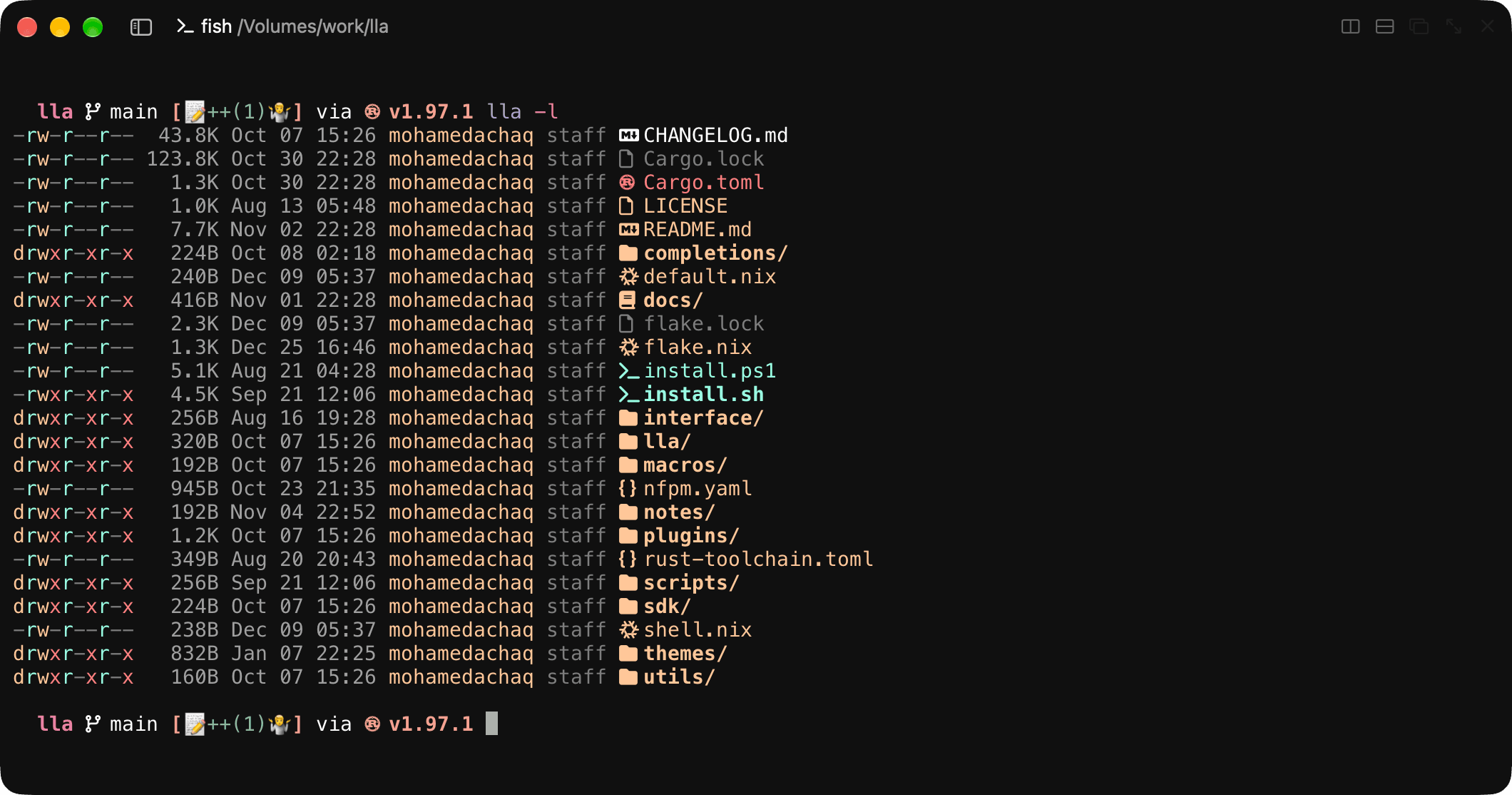
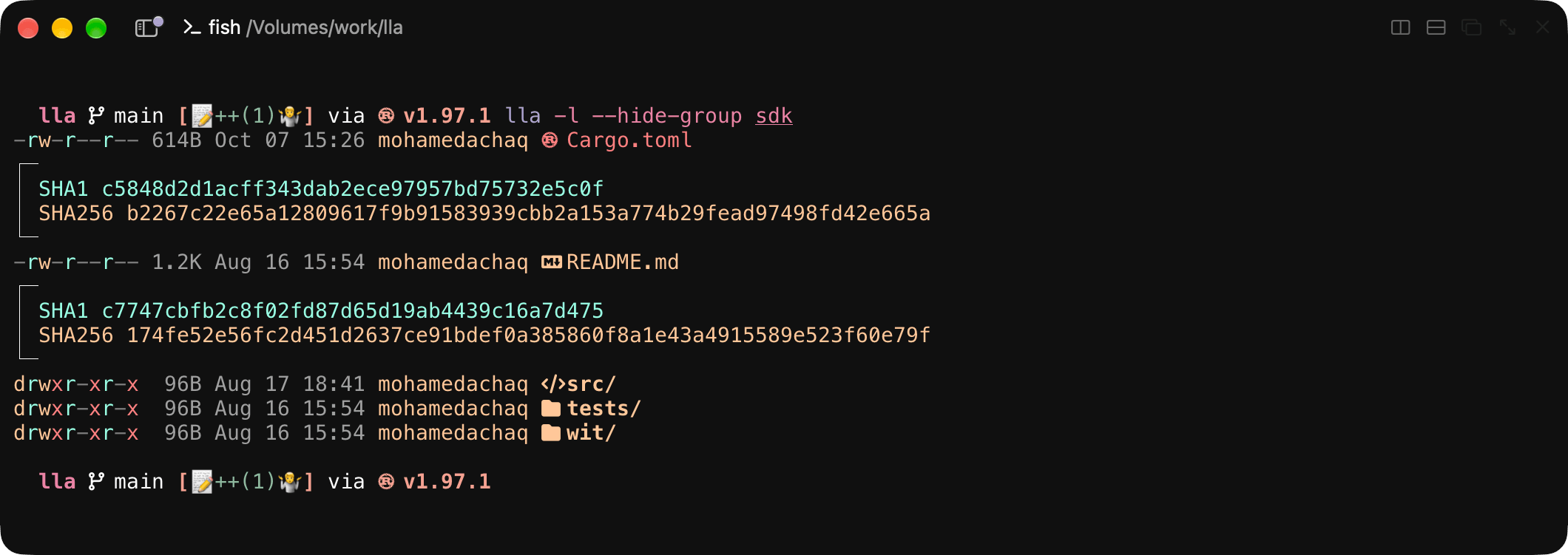
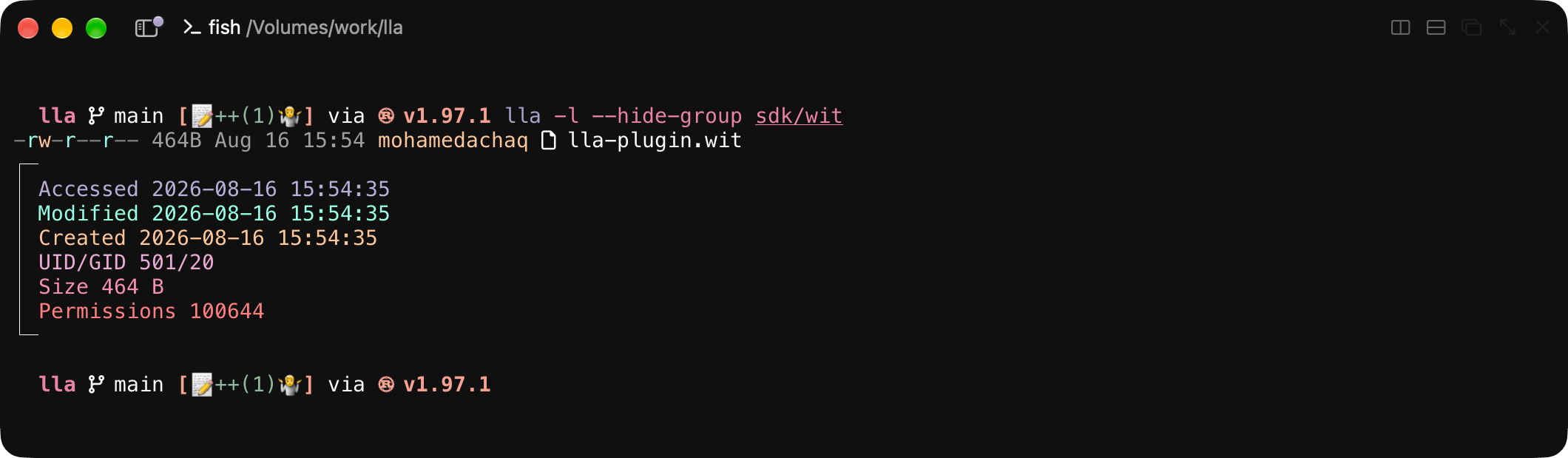
lla -l                  # long view with metadata
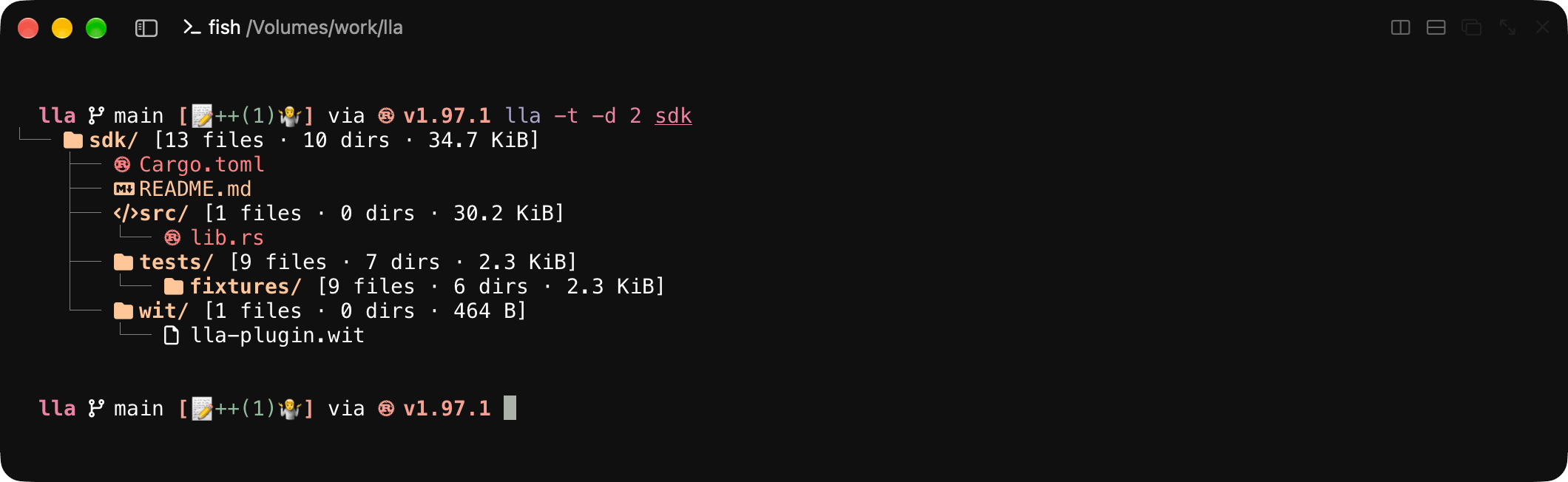
lla -t -d 3             # tree view, three levels deep
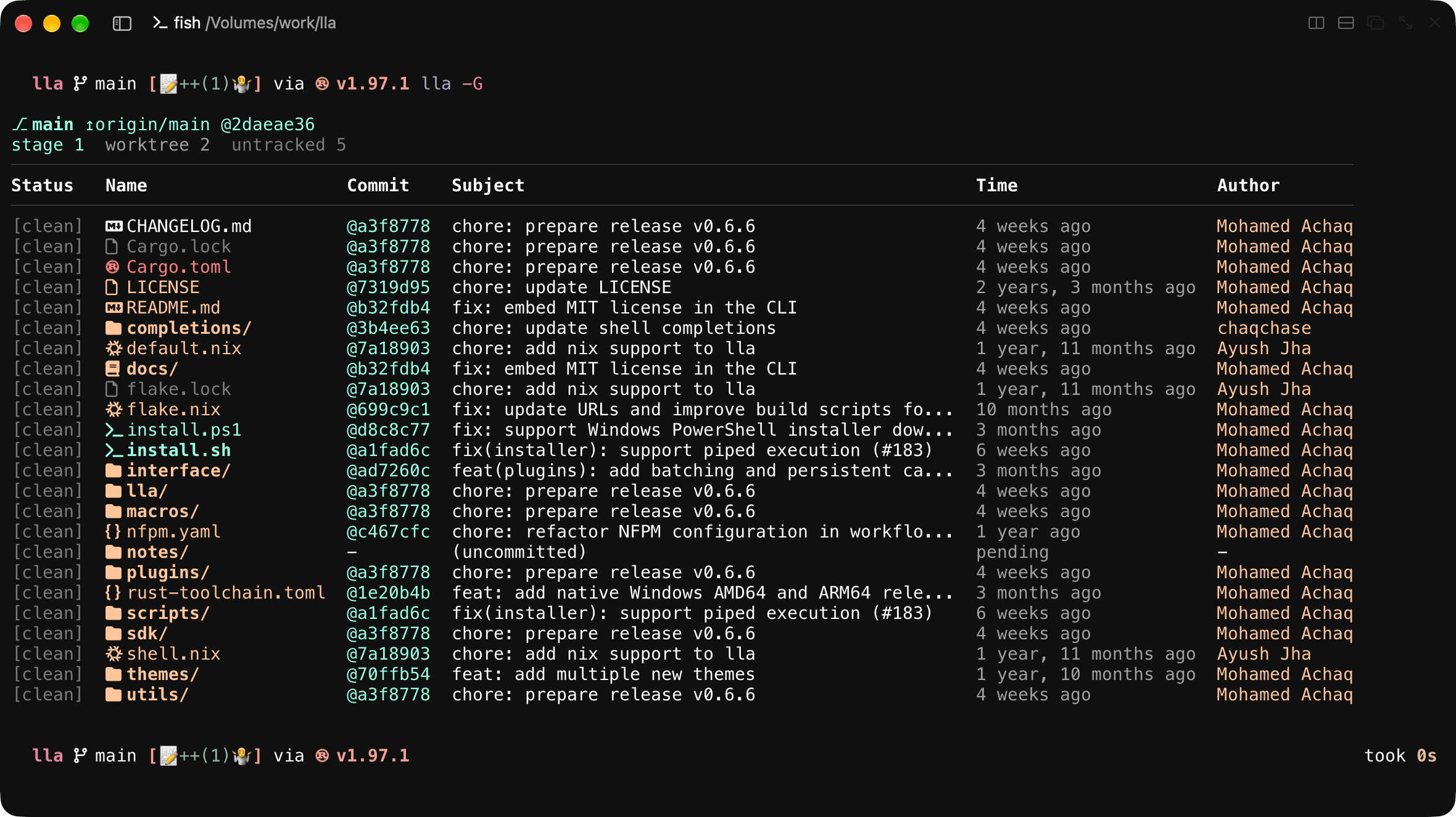
lla -G                  # Git-aware view
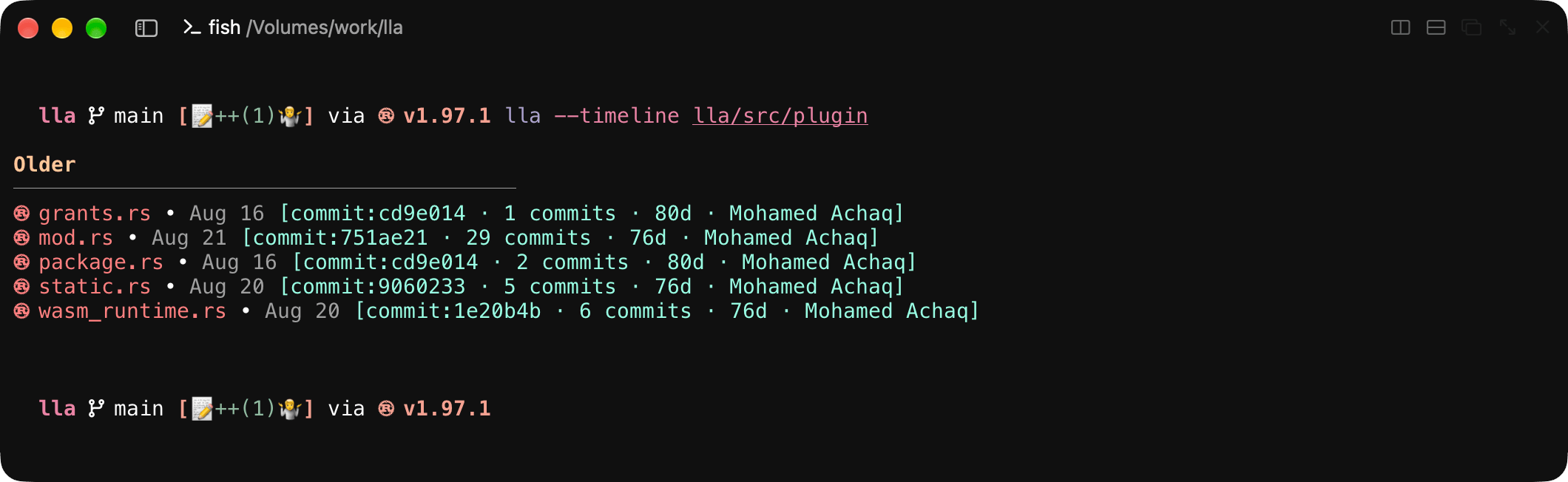
lla --timeline          # group entries by time
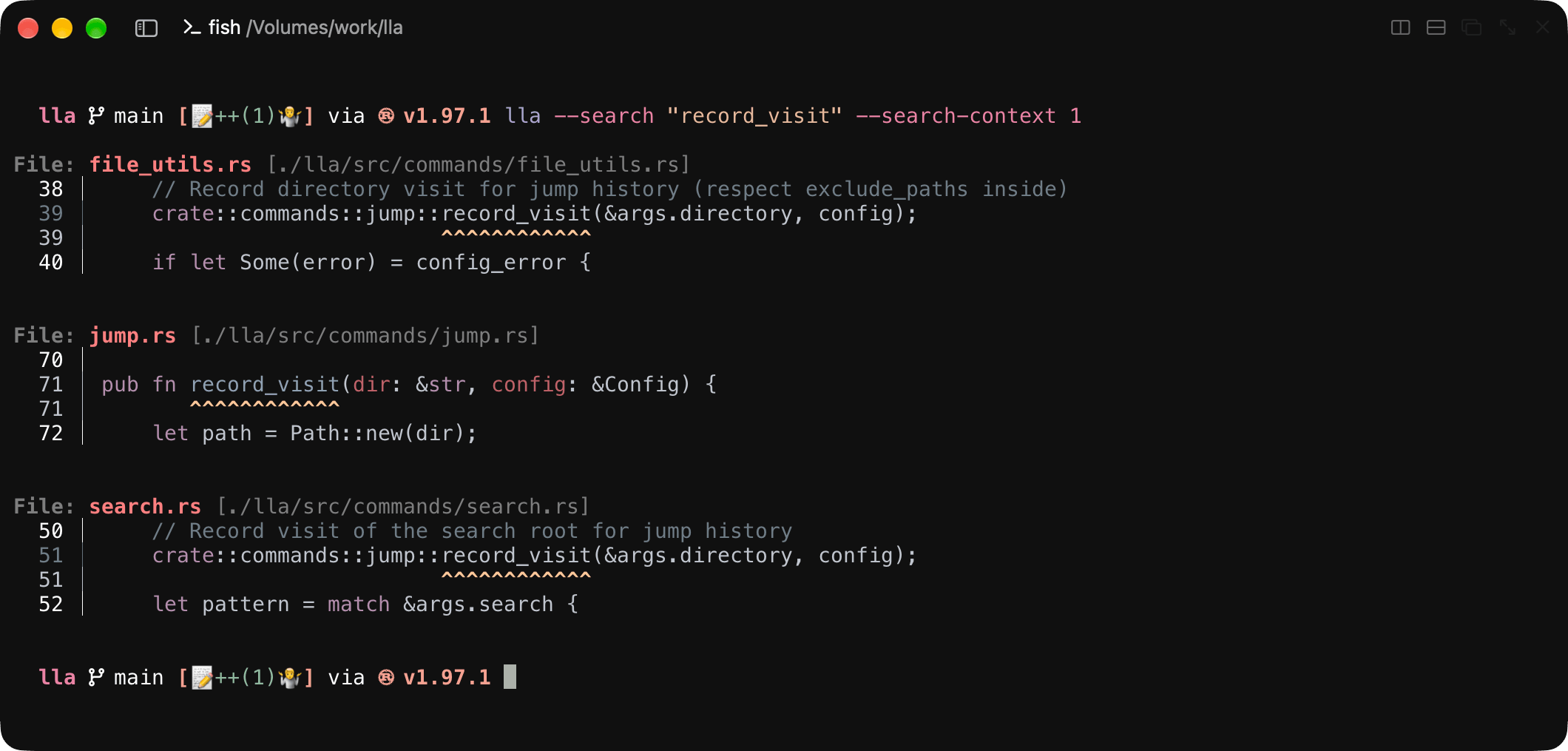
lla --search "TODO"     # search file contents
lla --json --pretty     # machine-readable output

Views

  • Default: Quick browsing
default
  • Long: Detailed metadata
long
  • Tree: Directory structure
tree
  • Table: Structured data view
table
  • Grid: Dense directories
grid
  • Git: Repository status
git
  • Timeline: Chronological grouping
timeline
  • Size map: Storage insights
sizemap
  • Recursive: Nested directory walk
recursive
  • Fuzzy search: Fast file finding
fuzzy

See Views and display for guidance on choosing a view.

Highlights

  • Sort by name, size, or date; reverse the result; place directories first; and choose natural or case-sensitive ordering.
  • Select entries by name, extension, glob, regular expression, file type, size, timestamps, dotfile visibility, or Git ignore rules.
  • Combine compatible name filters with AND, OR, and NOT expressions, save common combinations as presets, and apply sequential refinements.
  • Search file contents with ripgrep-backed literal or regular-expression matching, syntax-highlighted context, and optional plugin action pipelines.

See Filtering and search for the exact compatibility rules.

Rich metadata and configurable presentation

  • Long and table views can show permissions, ownership, timestamps, inode and hard-link counts, allocated size, extended attributes, security context, mount information, symlink targets, and plugin-provided fields.
  • Choose symbolic, octal, binary, compact, or verbose permissions; absolute or relative dates; icons; color; hyperlinks; and an explicit column order.
  • Keep global defaults in ~/.config/lla/config.toml and repository-specific overrides in .lla.toml.

See Configuration for persistent settings, profiles, themes, and shell completion.

  • The directory jumper combines bookmarks and deduplicated visit history with a generated j shell function for Bash, Zsh, and Fish.
  • Command shortcuts turn frequently used plugin actions into concise top-level lla commands and can be exported or imported as TOML.
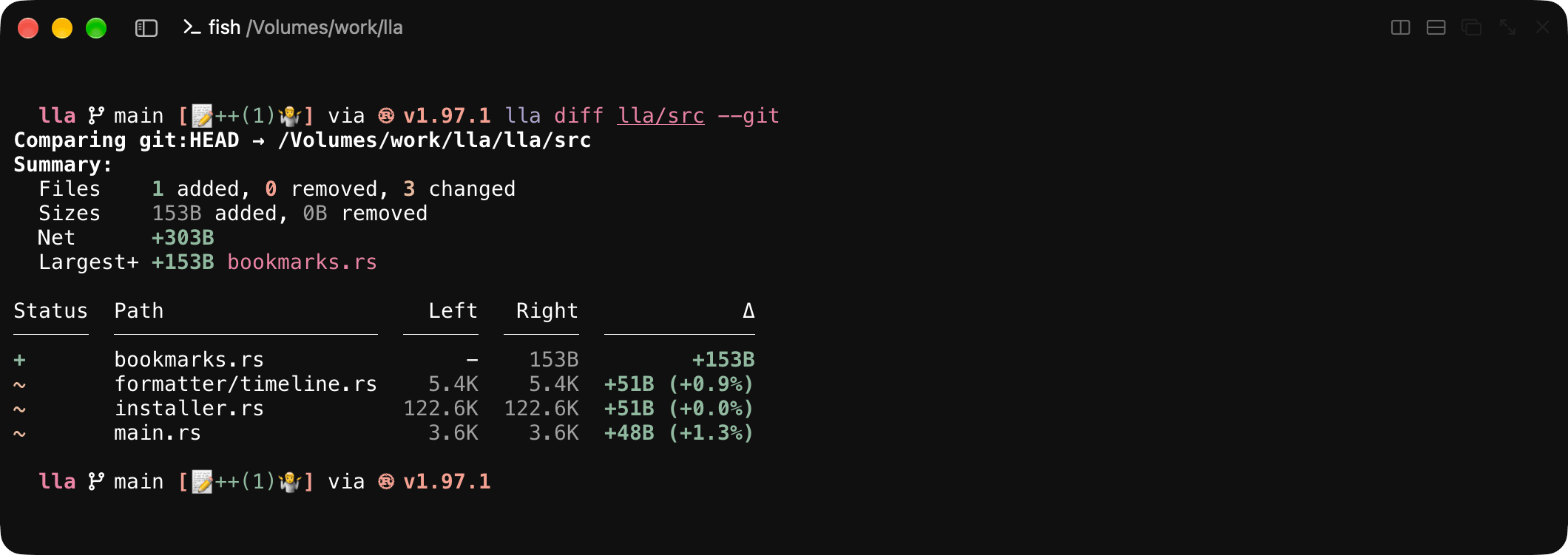
  • File and directory diffing supports local-to-local comparison and comparison against Git references.

See Navigation for jump and fuzzy controls.

Automation-friendly output

  • Emit listing data as a JSON array, newline-delimited JSON, or fixed-schema CSV while retaining the selected path, sort, filter, depth, and archive behavior.
  • JSON and NDJSON include typed plugin fields. Content search and plugin actions provide their own documented machine-output contracts.
  • Generate completion scripts for Bash, Zsh, Fish, PowerShell, and Elvish.

See Machine output for schemas, or the CLI reference for flags.

Extensible Plugin Platform

  • Install official prebuilt plugins, build from a local directory, or install from a Git repository; inspect packages and permissions before running them.
  • Native plugins provide trusted in-process extensions. On builds with the wasm-plugins feature, WebAssembly Component Model plugins run with declared, persisted grants and scoped host capabilities.
  • Plugins can add typed listing fields, formatting, and actions with human, JSON, NDJSON, or CSV output.
plugin-use

Start with Installing and managing plugins, browse the bundled catalog, or read the plugin development guide.

Supported platforms

lla runs natively on Linux, macOS, NetBSD, and Windows (10 / Server 2016 and newer on AMD64 or ARM64). The installer selects the matching binary automatically, including static musl builds on musl systems and a native-only NetBSD binary without the embedded WebAssembly runtime.

What's next?

Ready to get started? Head over to the Installation Guide to install lla on your system, or follow the Getting Started Tutorial for a hands-on walkthrough.

Want to extend lla? Check out the Plugin Development Tutorial to create your first plugin, or dive into the Architecture Handbook for the complete technical picture.